AI-assisted programming – agentic work with code, refactoring and automation of programming tasks
Course description
Characteristics
Large language models are increasingly becoming a real tool in a programmer's work, rather than just an add-on for generating code snippets. Their value in the development environment stems from their ability to quickly understand an existing codebase, plan changes, refactor, generate tests, document solutions, and automate repetitive technical tasks.
The course "AI-assisted programming – agentic work with code, refactoring and automation of programming tasks" has been prepared for programmers who want to move from occasional AI use to conscious, controlled, and safe work with coding agents. Participants learn not only how to use selected tools, such as Claude Code, Codex, or Cursor, but above all, good practices for working with LLMs in a repository: from proper context preparation, through planning changes, to verifying results and integrating AI into the daily development process.
Book the course
- Format: Remote
- Language: PL
- Type: Public course, guaranteed
- Duration: 2 days (14 hours)
- Start date: 24.06.2026
- Trainer: Konrad Patyński
Net price per participant.
The program is structured practically. It covers both the fundamentals of LLMs and agents, as well as topics directly useful in teamwork: repository setup, tool configuration, creating and applying agent skills, working in plan mode, completing tasks on open repositories, utilizing sub-agents, and integration with MCP. As a result, participants complete the course with a set of techniques that can be immediately applied in their daily work with code.
Requirements
Experience in programming work, knowledge of Git basics, and the ability to navigate a code repository are recommended. The participant should know at least one programming language at a level that allows reading and modifying code, while examples will be shown using Python. The course does not require prior experience with Claude Code, Codex, Cursor, or MCP, although basic knowledge of working in the terminal will be helpful.
Target audience
- Intermediate and advanced programmers;
- Developers working with existing, complex, or poorly documented repositories;
- Members of software development teams who want to organize AI usage practices in their daily work;
- Tech leads and senior developers responsible for code quality, code reviews, and the selection of development tools;
- Individuals who want to consciously use LLMs for code analysis, refactoring, documentation, testing, and automation of technical tasks.
Course program
1. Fundamentals of LLMs and agents in developer's work
- What an LLM is from a programmer's perspective
- Differences between a language model, code assistant, and coding agent
- How the model analyzes context, code, instructions, and interaction history
- Limitations of LLMs
- The role of the developer as the person responsible for technical decisions
- Typical applications of LLMs in development
2. Setting up Claude Code, Codex, and Cursor for daily work with AI
- Overview of tools used in agentic work with code
- Claude Code, Codex, and Cursor – differences in workflow and typical applications
- Installation, configuration, and preparation of the development environment
- Proper repository setup for working with AI
- Principles of preparing project structure, documentation, and instructions for the agent
- Working with the terminal, IDE, and repository in an AI-assisted mode
- Controlling the scope of changes and minimizing the risk of unwanted modifications
3. Agents.md, CLAUDE.md, and skills.md as modules organizing work with the agent
- What the main agentic markdown files are and what role they play in working with LLMs
- The difference between a one-time prompt and a permanent project instruction
- How to create skills describing coding, testing, and documentation standards
- Organizing skills for different types of tasks
- Examples of good and bad instructions for the agent
4. Plan Mode in practice
- What Plan Mode is and when it is worth using
- Planning before making changes to the code
- Analysis of risks, dependencies, and potential side effects
- Translating the plan into specific actions in the repository
- Iteratively guiding the agent
- Evaluating the quality of the AI-generated plan
5. Practical exercises on open repositories
- Onboarding to an unknown codebase using an LLM
- Identifying entry points, dependencies, and logic flow
- Completing realistic team tasks using the agent
- Refactoring a code snippet for readability and maintainability
- Generating or supplementing tests
- Updating technical documentation and README
6. Subagents in practice
What sub-agents are and when it is worth delegating tasks
Division of work among agents:
- Designing the scope of responsibility for a sub-agent
- Parallel work and verifying result consistency
- Applying sub-agents to larger refactoring tasks
7. MCP as a way to expand agent capabilities
- What MCP is and what role it plays in working with AI tools
- Client, MCP server, and context sources
- Connecting the agent with additional tools, data, and workflows
- Examples of MCP applications in a programmer's work
8. Security, quality, and responsibility in working with AI
- Risk of leaking code, data, business logic, and architectural information
- Principles of working with production code and security-critical snippets
- Verification of changes generated by AI
- AI in the code review process
- Best practices for implementing agentic code work in an organization
9. Summary and practical implementation
- Key principles of effective developer collaboration with LLMs
- How to transfer knowledge from the course into daily workflow
- Minimum set of practices to implement after the course

No budget? Get funding!
A program that allows individual participants to easily and quickly obtain funds for courses.
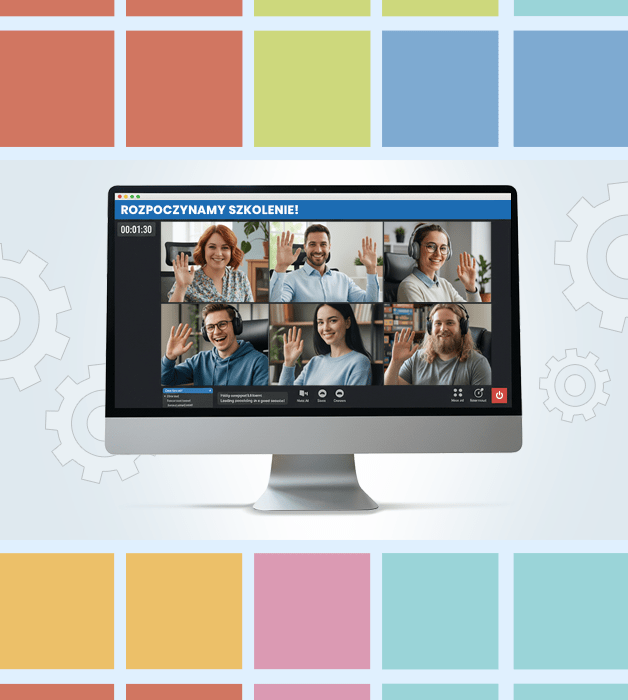
Why a guaranteed course?
- Guaranteed delivery — the course takes place regardless of the number of participants.
- Knowledge exchange and networking with professionals from various industries.
- Interactive, live classes — not just theory, but also exercises and discussions.
- Flexible online format — join from anywhere.

Need Help?
Reach out to learn more about our team and the kinds of tailored solutions we can offer your organization.
Get in Touchwroclaw@nobleprog.pl or +48 (22) 103 3718