Adobe InDesign
Course Description
Overview
Adobe InDesign is professional desktop publishing software used to create layouts for print and digital media. This instructor-led course is aimed at graphic designers, marketing specialists, and publishing staff at beginner and intermediate levels who want to use Adobe InDesign to create professional books, brochures, posters, and marketing materials.
Upon completion of the course, participants will be able to:
- Navigate the Adobe InDesign interface efficiently.
- Set up projects with appropriate dimensions and layouts.
- Work with text, images, and graphics to create attractive designs.
- Utilize styles, templates, and color palettes for consistency and efficiency.
- Prepare files for professional printing or digital publication.
Book the course
- Format: Remote
- Language: PL
- Type: Public course
- Duration: 3 days (14 hours)
- Start date: 07-09.12.2026
- Trainer: Marek Koj
Net price per participant.
Requirements
Knowledge of vector and raster graphics is useful, but not required.
Target Audience
- Graphic designers
- Marketing specialists
- Content creators
- Publishing specialists
- Anyone interested in creating professional layouts and printed materials
Course Curriculum
Module 1: Interface, Setup, and Fundamentals
This module introduces participants to the software environment and builds the foundation for future projects.
- Configure the interface.
- Set project dimensions.
- Place guides in projects, including column layouts.
- Save project files.
- Use the tool palette.
Module 2: Working with Text, Graphics, and Composition
Moving to practical work with content. Importing, editing, and arranging elements on the page.
- Insert text and graphics from other files and software, including Microsoft Office.
- Work with text frames and graphics in Adobe InDesign.
- Use text and graphic editing tools.
- Create decorative text.
- Thread text frames into a logical sequence.
Module 3: Styles, Automation, and Workflow Optimization
For many participants, this is the most important part of the course. Learn fast, professional typesetting using styles and master pages.
- Create a custom library of useful tools.
- Create custom character styles, graphic styles, fonts, and colors.
- Save time by using tools to quickly switch between created styles.
- Create master templates for repeatable projects.
- Work with colors across different palettes.
Module 4: Multi-page Publications and Print Preparation
The culmination of the design process. Working with long-form documents, managing assets, and finalization for publication.
- Work with multi-page documents.
- Number pages and set up sections.
- Manage linked external files.
- Print documents.

No budget? Get funding!
A program that allows individual participants to quickly and easily obtain funding for courses.
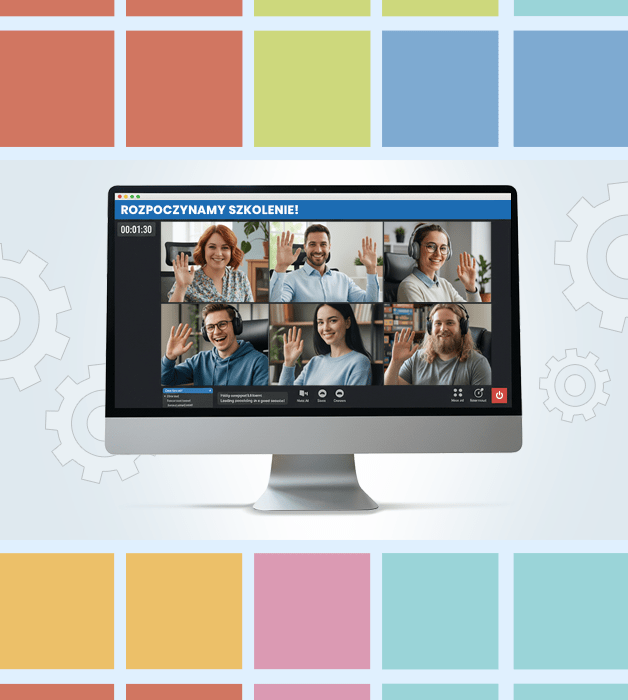
Why a guaranteed course?
- Guaranteed delivery — the course takes place regardless of the number of participants.
- Knowledge exchange and networking with professionals from various industries.
- Interactive, live-led sessions — not just theory, but also practical exercises and discussions.
- Flexible online format — join from anywhere.

Need Help?
Reach out to learn more about our team and the kinds of tailored solutions we can offer your organization.
Get in Touchwroclaw@nobleprog.pl or +48 (22) 103 3718